Payment tracking
Know exactly what each customer still owes
Customers pay you the way they already do. You record it in InvoiceGlance, and the invoice, the customer and the dashboard all catch up.
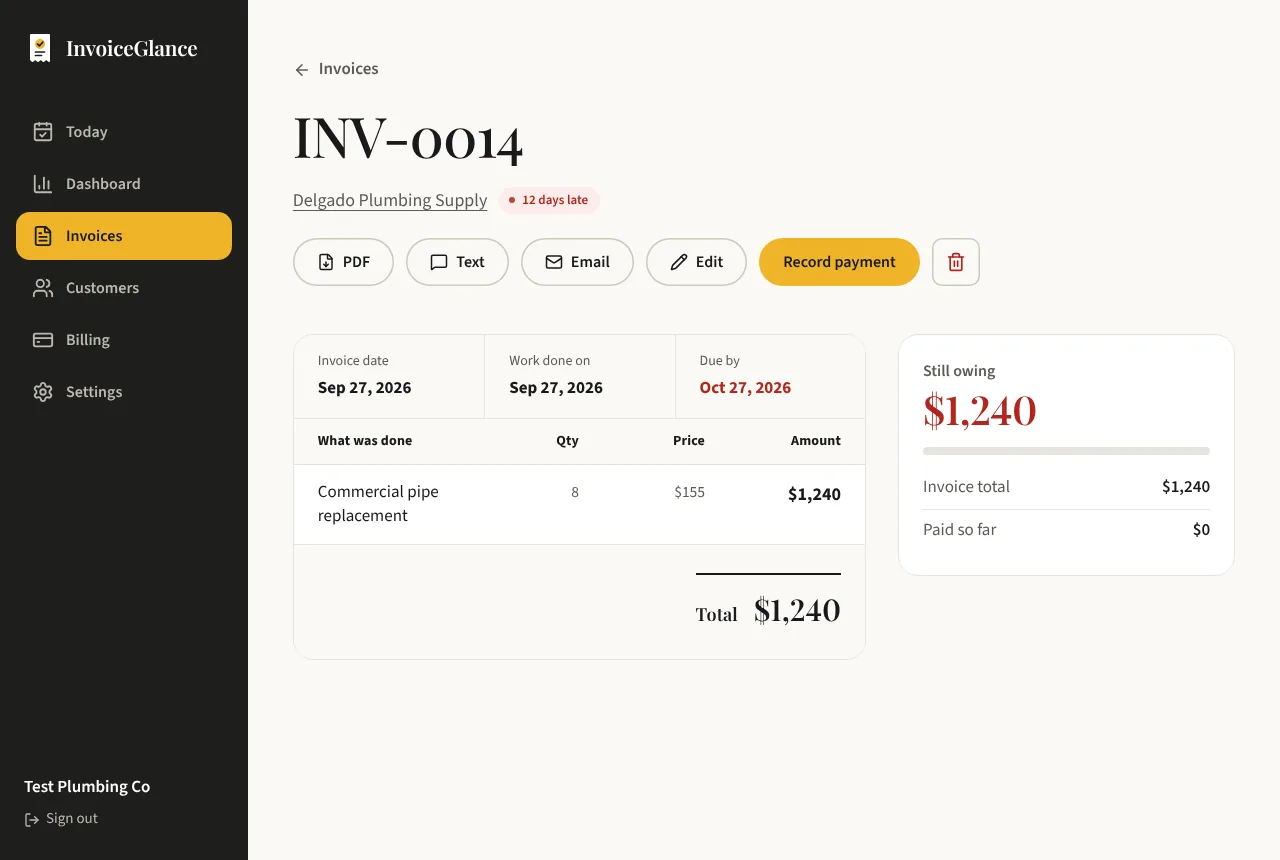
A part-paid job, tracked
Marcus runs a repair shop and invoices $2,400 for a kitchen job. The customer sends an $800 deposit by Zelle on the first day and a $1,000 cheque two weeks later. Marcus records each payment with its date and method.
The invoice now shows $2,400 invoiced, $1,800 paid and $600 still owing, and the customer's page shows the same. If he types a wrong amount he voids that payment and records it again, and the history keeps both entries. When the last $600 arrives, one press closes the invoice.
Track the money, never touch it
Part payments, any method
Record a deposit, a part payment or the full amount, paid by cash, cheque, Zelle, bank transfer, card, Venmo or something else.
Mark as paid in one click
When a customer pays in full, one press records the whole balance as a payment and closes the invoice.
Corrections keep the history
If you record a payment by mistake, void it. The entry stays in the history, marked as void, instead of vanishing.
Overdue worked out for you
An invoice is overdue when it is still open and its due date has passed in your time zone. You never update a status by hand.
From invoice to paid
Send the invoice
Pick the customer, add what you did, and send a link to a clean invoice page with your payment instructions.
Record what you receive
When money arrives, add the amount, the date and how it was paid.
Watch the balance fall
Still owing updates on the invoice, and the invoice closes when it is paid in full.
Questions, answered plainly
Does InvoiceGlance process payments?
No. InvoiceGlance is a payment tracker only. Your customers pay you directly and you record it. We never hold or move your customers' money.
Can I record part payments?
Yes. You can record as many payments as you need against one invoice, and the invoice shows what has been paid and what is still owing.
What if I record a payment by mistake?
Void it. The payment stays in the history marked as void, so there is always a clear record of what happened.
Can my customer pay from the invoice page?
The invoice page shows your payment instructions. The customer pays you the way you agreed, and you record it when it arrives.
More from InvoiceGlance
Get your first invoice out today.
Set up your business, add a customer, and send an invoice. You decide every step.
Create your account