For freelancers
Invoicing for freelancers who would rather be working
Send a clean invoice between projects, see at a glance which clients still owe you, and follow up politely without writing the email from scratch.
A freelancer's Tuesday
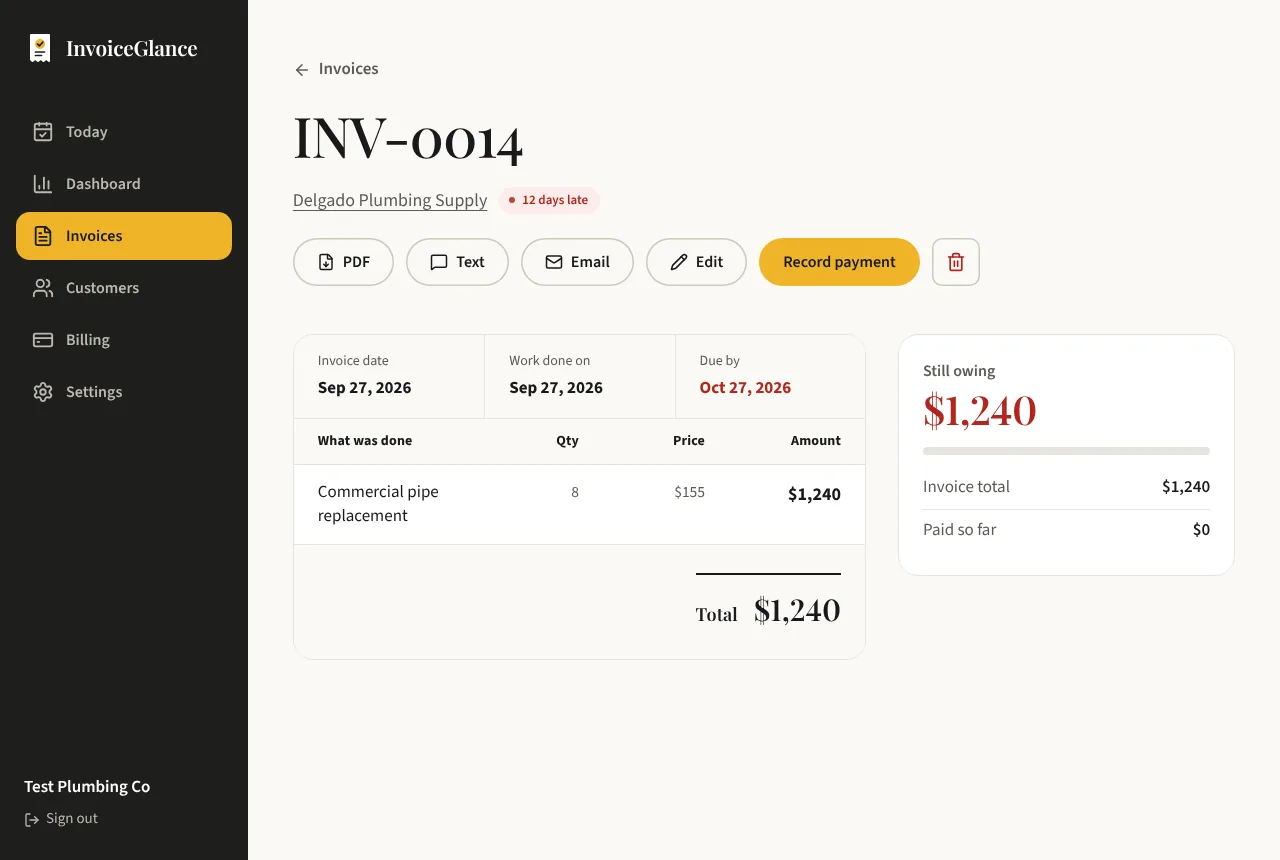
Sam is a freelance photographer with four regular clients. After a Monday shoot, Sam adds the client, types two line items and sends the invoice from the train home. The client opens a clean page on their phone, with Sam's payment instructions at the bottom.
Two weeks later the Customers page shows one client with a late balance. Sam sends the friendly reminder, the client pays that evening, and Sam records the payment and sends a thank-you with a review link. The whole loop took a few minutes, and no spreadsheet was involved.
Built for a one-person business
An invoice in a minute
Pick the client, add what you did, and send. They get a link to a clean invoice page that works on any phone.
Polite follow-ups
Late clients get a friendly reminder with your name on it, sent when you press the button. Replies come straight to you.
Know your month
See what you invoiced, what you collected, and what is still outstanding, without keeping a spreadsheet.
Free to start
The Free plan covers 5 invoices and 5 emails a month and 5 customers. Pro is $8 a month with no limits.
Your first week with InvoiceGlance
Set up your business
Add your name, email and payment instructions once. They appear on every invoice.
Send your first invoice
Add a client and line items, then send. Invoice numbers count up with no gaps.
Record the payment
When the money arrives, record it. A thank-you with a review link is one click away.
Questions, answered plainly
Is InvoiceGlance good for freelancers just starting out?
Yes. There is nothing to learn: add a client, add line items, send. The Free plan is enough for a handful of clients.
Can my clients pay me through InvoiceGlance?
No. InvoiceGlance tracks payments but never processes them. Clients pay you the way they already do, and you record it.
Will it chase clients for me automatically?
Never. You decide when a reminder goes out and press the button yourself, so you stay in control of the relationship.
More from InvoiceGlance
Get your first invoice out today.
Set up your business, add a customer, and send an invoice. You decide every step.
Create your account