For contractors and tradespeople
Invoicing for contractors, from the job site
Bill the job before you leave the driveway, record deposits and part payments as they arrive, and see which customers still owe you.
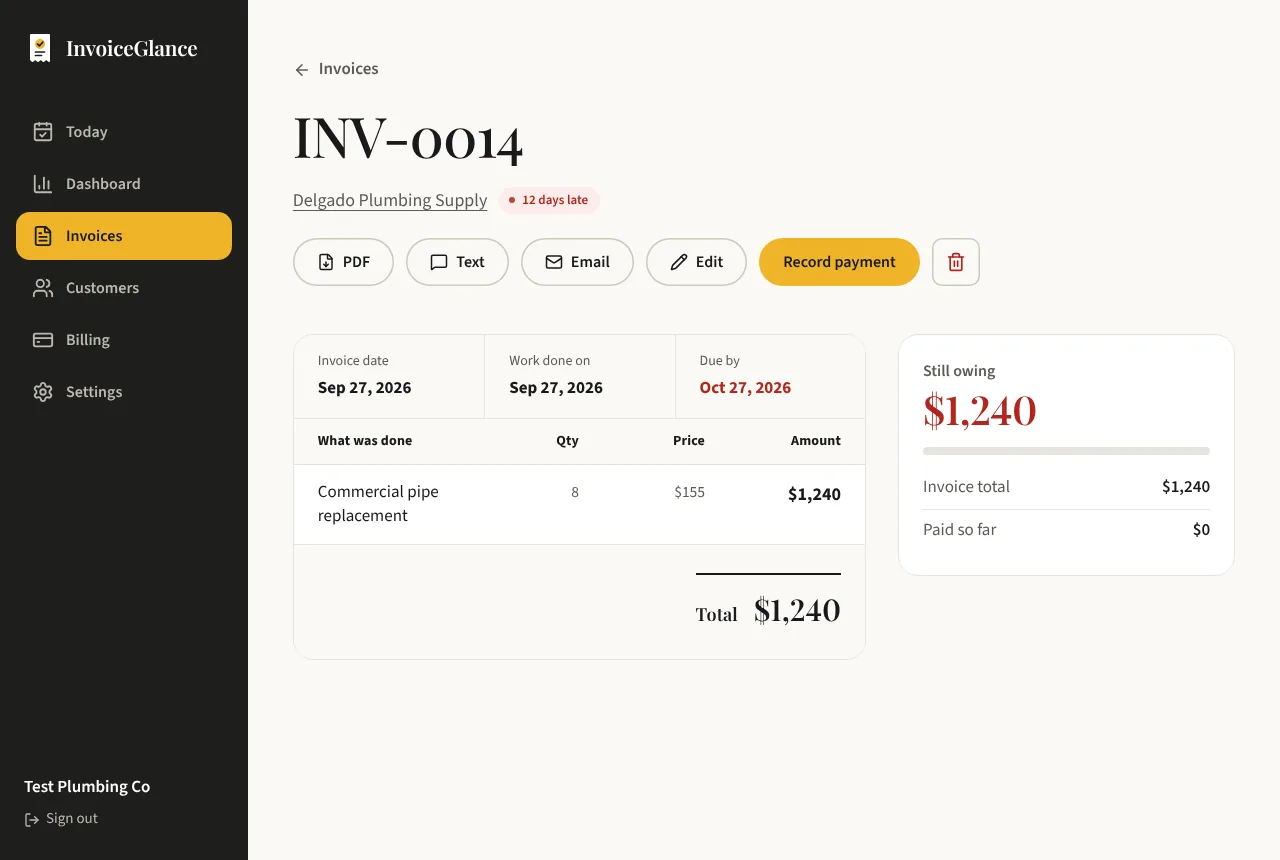
A bathroom job, billed from the driveway
A plumber finishes a bathroom refit. The invoice has labour of $1,100 and materials of $460, a total of $1,560. The customer paid a $500 deposit before the job started, and the plumber recorded it then, so the invoice already shows $1,060 still owing.
He sends the link before leaving the driveway. When the customer pays the balance by bank transfer the next day, he records it from his phone and the job is closed. If the customer had gone quiet, the Customers page would have shown the late balance and a reminder would be one click away.
Made for jobs, deposits and materials
Works on your phone
Create and send an invoice from the truck. InvoiceGlance is designed for phones as much as for a desk.
Labour, materials, tax and discounts
Add a line for each part of the job, with tax and discounts, and the total works itself out.
Deposits and part payments
Record a deposit up front and the balance later. The invoice always shows what is still owing.
A paper trail you can trust
Invoice numbers have no gaps, and every email and payment is saved, so a dispute is easy to settle.
From finished job to paid
Invoice the job
Add the customer and the work, and send a link they can open on any phone.
Record the deposit and the balance
Cash, cheque, Zelle or transfer: record each payment as it lands.
Remind the slow payers
Customers shows who is late. One click sends a friendly reminder.
Questions, answered plainly
Can I invoice from my phone?
Yes. InvoiceGlance works in the browser on a phone, with nothing to install.
Can I record a deposit and then the final payment?
Yes. Record each payment against the invoice. It shows what has been paid and what is still owing.
Can I add tax and materials to an invoice?
Yes. Invoices have line items, tax and discounts, so labour and materials can each get their own line.
More from InvoiceGlance
Get your first invoice out today.
Set up your business, add a customer, and send an invoice. You decide every step.
Create your account