For consultants
Invoicing for consultants, with follow-ups built in
Send professional invoices, keep payment follow-ups polite and consistent, and see which past clients have gone quiet.
A retainer client who goes quiet
Lee is an independent consultant with three monthly retainer clients. Each month Lee sends one invoice per client, with a line for each block of work. Two clients pay within a week. The third does not, and the invoice is soon ten days late.
The Customers page shows the late amount, and Lee sends a short reminder in Lee's own words. Later, a client who has not been invoiced for a while appears as quiet, with a check-in email ready to send. Lee reads it, presses Send, and the relationship stays friendly.
Keep clients paying and coming back
A professional invoice page and PDF
Clients open a clean invoice on any device, and you can download a PDF for your own records.
Reminders that keep the relationship
A friendly, short reminder with your business name on it, sent only when you decide.
Check-ins for quiet clients
Customers who have gone quiet show up on the Customers page, with a check-in email ready to send.
See your best clients
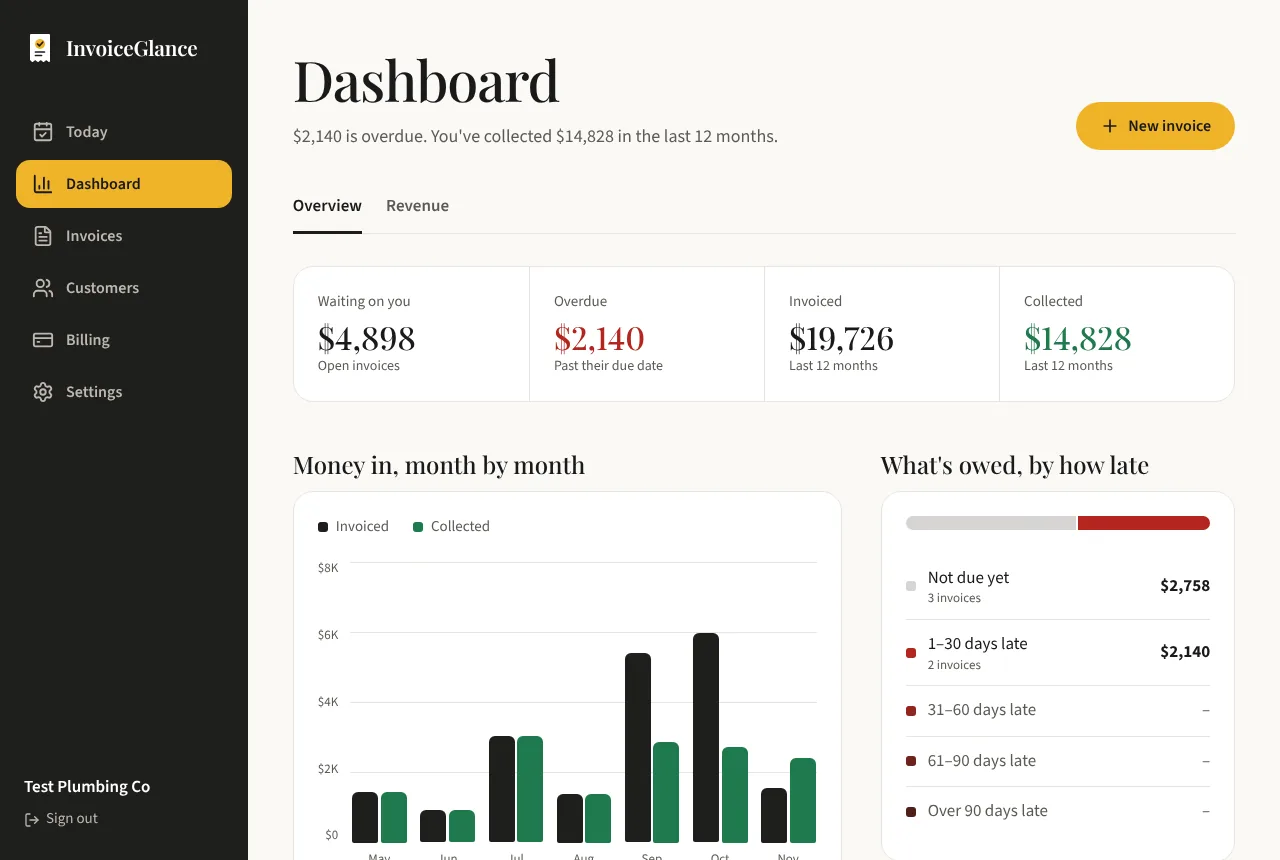
The dashboard shows which customers bring in the most revenue and how quickly each pays.
A simple loop for client work
Invoice
Send the invoice with line items for each deliverable or block of time.
Get paid, say thanks
Record the payment and send a thank-you, with a link to leave you a review if you want one.
Check in later
Months on, a check-in email brings back clients who have gone quiet.
Questions, answered plainly
Does InvoiceGlance track time?
No. It creates and tracks invoices and payments. You add the line items yourself, such as hours or deliverables.
Can I ask clients for a review?
Yes. After a payment you can send a thank-you email that includes a link for the client to leave you a review.
Does it work for a small team?
Today InvoiceGlance is built for one owner per business. Teams and roles are planned for later.
More from InvoiceGlance
Get your first invoice out today.
Set up your business, add a customer, and send an invoice. You decide every step.
Create your account